Getting started · Jul 29, 2026
Router9 101 — one key, every model, one flat price
What Router9 is, who it is for, and what actually changes on your first day using it.
If you run an agent — a coding CLI, an autonomous worker, something you wrote yourself — you have probably collected a drawer of API keys. One for the model provider. Another for whichever provider you fall back to when the first one is slow. One for search. One for transcription. Each with its own bill, its own dashboard, and its own way of failing.
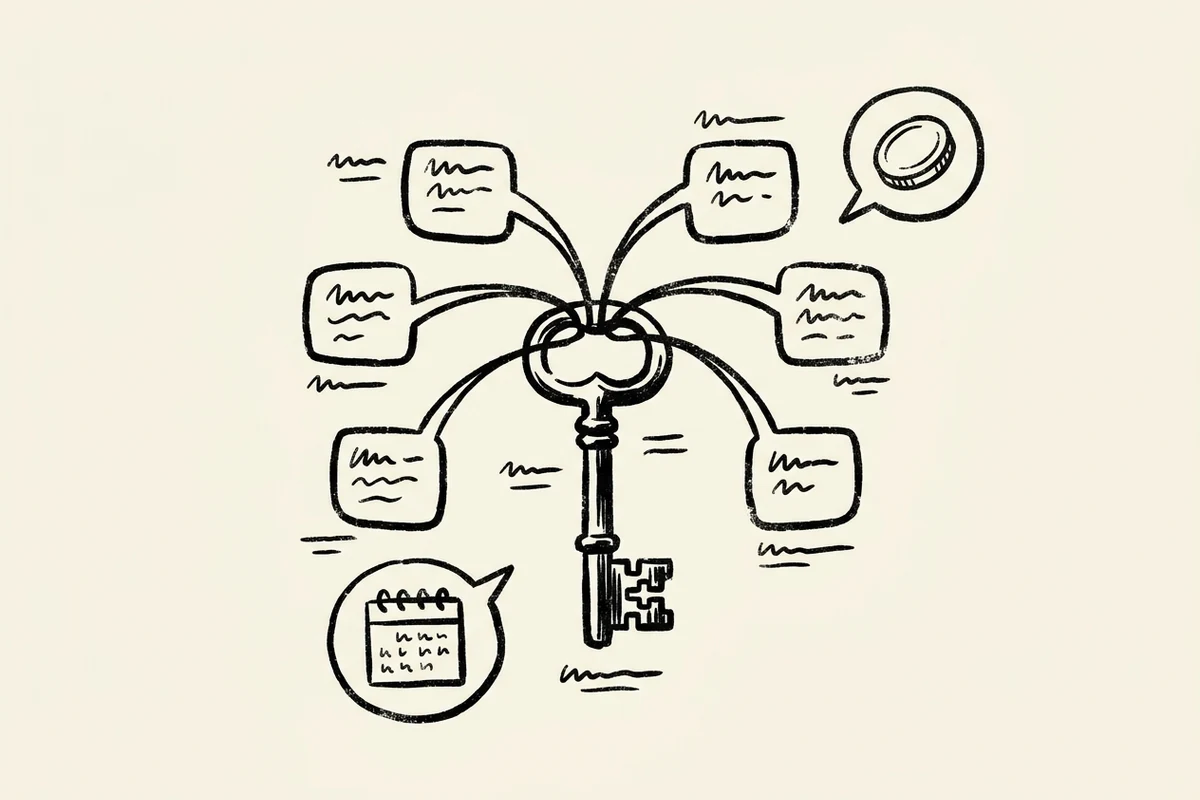
Router9 replaces the drawer with one key and one monthly price.
The part that actually changes
Router9 speaks the OpenAI API. Changing over is two environment variables:
OPENAI_BASE_URL=https://api.router9.com/v1
OPENAI_API_KEY=sk-r9k-your-key-here
That is the whole migration. Any tool that already talks to an OpenAI-compatible endpoint — OpenCode, Cursor, Kilo Code, the OpenAI SDKs, LangChain, the Vercel AI SDK — now runs through Router9 and reaches GPT, Claude, Gemini, DeepSeek and several hundred others behind the same endpoint.
Nothing about your code changes. What changes is the bill.
Flat, not per-token
Per-token pricing has one property that makes it hard to live with: a busy month is a surprise. You cannot budget for an agent whose cost is a function of how much work it happened to do.
Router9 charges a fixed monthly fee against a credit quota:
| Plan | Price | Monthly credits | Rollover | Requests / 4h |
|---|---|---|---|---|
| Free | $0 | 50,000 (~$5) | None | 20 |
| Pro | $29 | 500,000 (~$50) | 60%, up to 2× quota | 500 |
| Max | $59 | 1,500,000 (~$150) | 80%, up to 2× quota | 2,000 |
The rollover is the part worth noticing. On paid plans, unused credits carry into the next month — 60% on Pro, 80% on Max, accumulating to a cap of twice your monthly quota. A quiet month builds a buffer for a busy one instead of evaporating. That is the opposite of how prepaid credit usually works, and it is deliberate: agent workloads are spiky, and a pricing model that punishes the spike is a pricing model you route around.
One plan, a key per harness
An account has one Token Plan. Under it you issue up to five API keys — one per harness, one per environment, however you want to cut it.
They are not five copies of the same key. Each one is revocable on its own, carries its own usage against the shared quota, and shows up separately in the audit log. When a key leaks from a staging box, you kill that key. Your production agent does not notice.
Every request is logged with model, tokens, latency, cost and status, exportable as CSV. Retention runs 7 days on Free, 30 on Pro, unlimited on Max.
Your agent gets hands
Beyond chat completions, Router9 hosts an MCP server. Point an MCP client at it and the same key that buys you models also buys your agent transcription, speech, image understanding, image generation, live web search and artifact publishing — no extra SDKs, no extra accounts.
{
  "mcpServers": {
    "router9": {
      "type": "http",
      "url": "https://api.router9.com/v1/mcp",
      "headers": {
        "Authorization": "Bearer sk-r9k-..."
      }
    }
  }
}
Those tools are available on every tier, including Free. They meter against the same credit allowance as everything else, so there is nothing to unlock and nothing to upgrade for except volume.
Once the tools are there, the next question is what your agent should do with them — which is what skill packs are for. That is the next guide.
Getting started
- Sign up — email and a one-time code.
- Create a Token Plan from the dashboard.
- Copy the key. It is shown once, and it looks like
sk-r9k-…. - Set the two environment variables above.
Then point your harness at it and send something. The full walkthrough, including SDK snippets, is in the Quick Start; the reasoning behind the design is in Why Router9.
Free tier, no card. Flat monthly pricing when you outgrow it.